Broken Pulse With Media

There is currently a Pulse sitting in my list of Pulses entitled "Help Us Make A Great Advert".
I can't answer it as it has various bugs due to there being a piece of media to listen to for it.
1. There is a piece of audio media you need to listen to. If you listen to the whole thing on the first page of the pulse then when you close the pop up window the media appeared in you close the entire Pulse and are back to the list
2. If you close it just before it finishes you can advanced to the next page of the pulse but you seem to need to listen to it again. However this time the media doesn't load correctly and instead the entire page is "greyed" out and you have to force close the app.
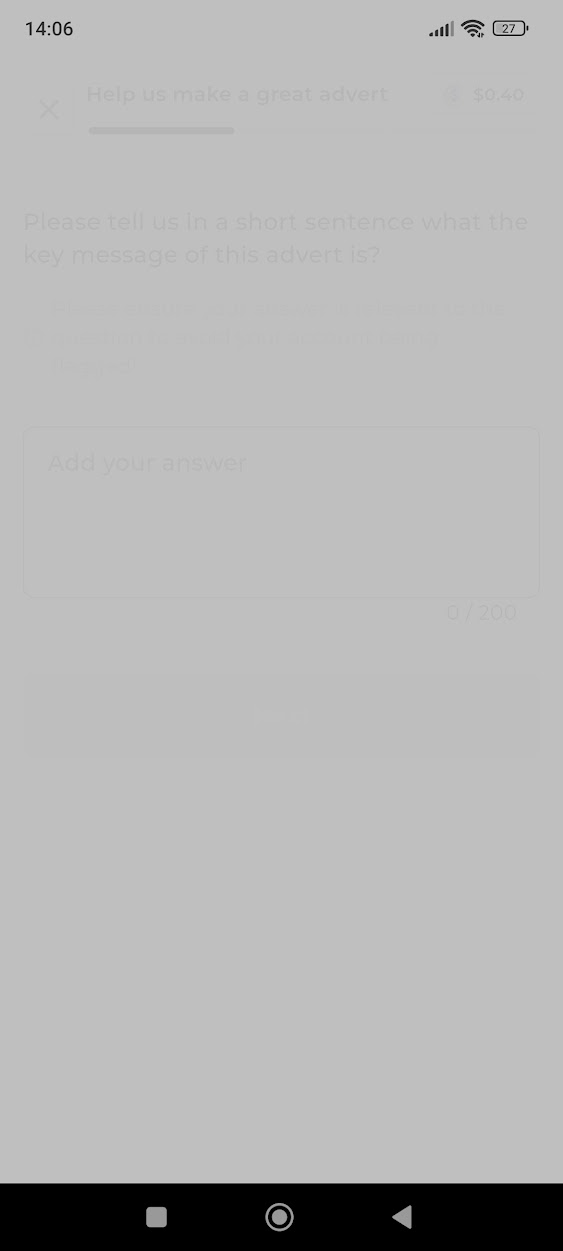
It seems impossible to complete the pulse due to this.
I'm using version Flutter (3.0.9 - 1649) of the app.
-

Thanks Callum Reid, I have asked someone to take a look. In the meantime you can delete it by swiping right, if you wish
0
Please sign in to leave a comment.
Comments
1 comment